



To install the Deli printer belt to the printer, first, make sure you have the necessary tools and the replacement belt itself. Start by switching off the printer and unplugging it from the power source to ensure safety.
Have you ever learned how the Deli printer belt is installed to the printer?
2023-11-15
Next, locate the printer belt compartment. This is usually found at the back or side of the printer, depending on the model. Open the compartment by following the instructions provided in the user manual or by gently removing the cover.
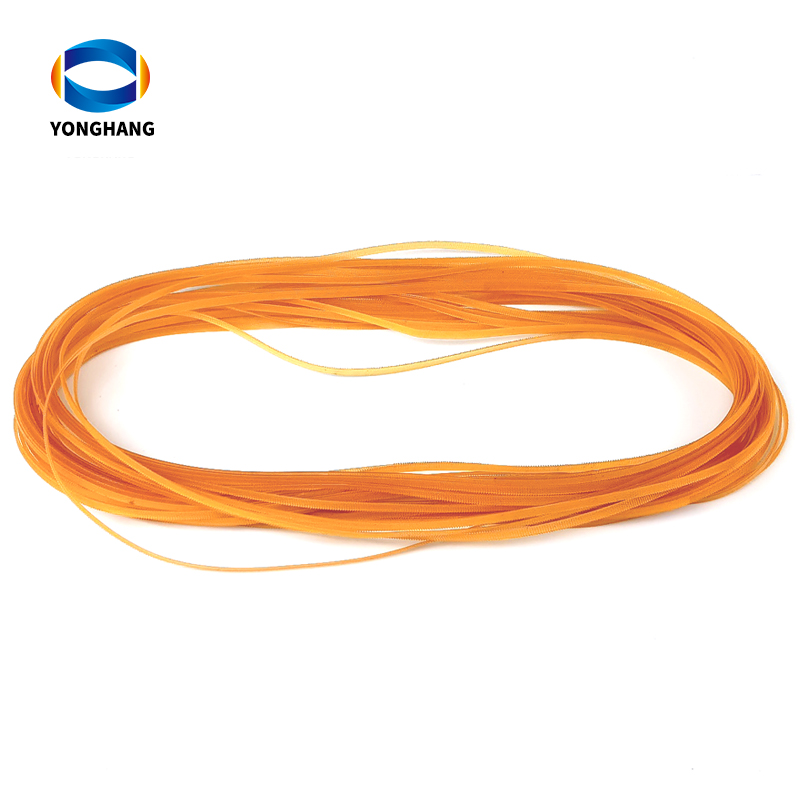
Once the compartment is open, you will see the old printer belt. Carefully remove it by loosening any screws or clips holding it in place. Take note of how the old belt is attached, as this will help you in installing the new one.
Now, take the new Deli printer belt and align it with the designated area. Make sure it is positioned correctly and snugly. If there are any screw holes or clips, insert them carefully to secure the belt in place. Be gentle and avoid applying excessive force to prevent any damage to the belt or other components.
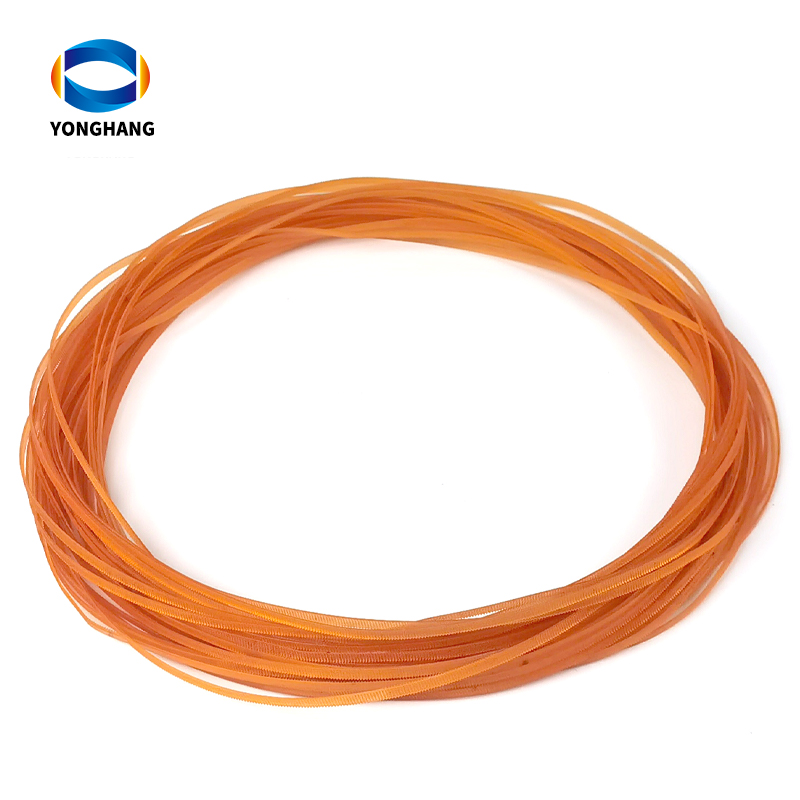
After the new belt is securely attached, close the printer belt compartment and fasten any screws or clips that hold it in place. Double-check to ensure the belt is properly aligned and there are no loose connections.
Finally, plug the printer back into the power source and switch it on. Test the printer by printing a sample document or running a test page. If everything is working smoothly, congratulations, you have successfully installed the Deli printer belt!
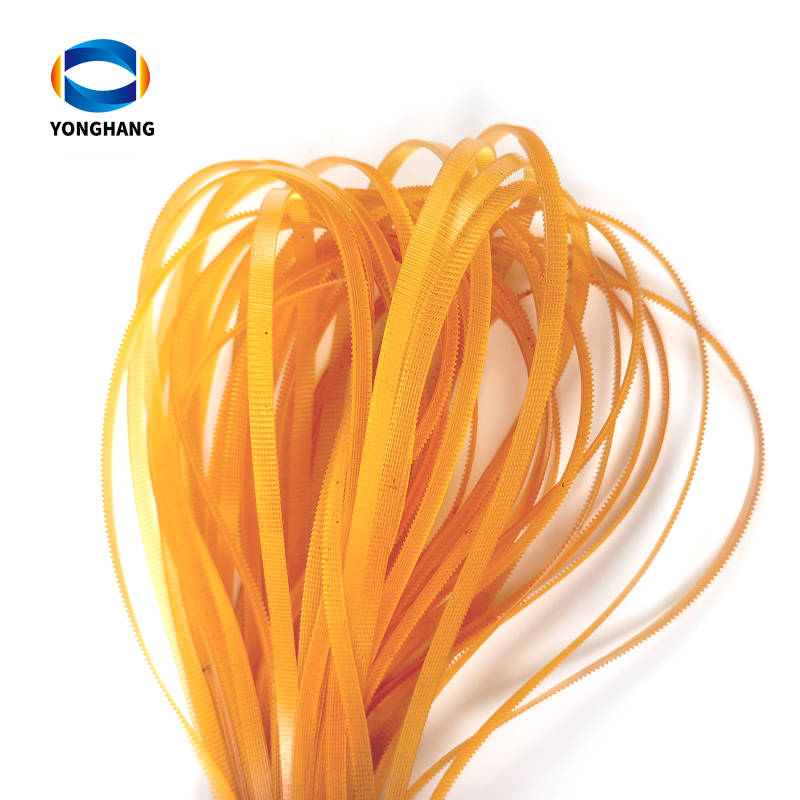
>>Click "YONGHANG® Deli printer belt" for more information about our products!
YONGHANG® Transmission Belt With more than 20 years of rich experience in the industry, The Company integrates research and development, production and customization, ODM&OEM Service, CE RoHs FDA ISO9001 Certification, R&d Centers, with more than 10,000m²+ factory, Molds More than 50+ sets of precision equipment, More than 8000+ sets of Molds, professional technical research and development team, precision manufacturing, providing one-stop high-quality transmission products customization service! Welcome to www.yhbelt.com for more information! Article copyright: YONGHANG® Transmission Belt, please specify the source, thank you for your cooperation!
Please contact us direct for more information regarding your specific requirements.
URL:http://www.yhbelt.com
Whatapp&wechat:+ 0086 13725100582
Email :sales@yonghangbelt.com
ReviewsNumber of comments: {{ page.total }}
I want to comment?
{{item.nickname ? (item.nickname.slice(0, 2) + '*****') : item.source === 1 ? 'mall buyer' : '--'}}
{{item.comment_time}}
Review in the {{item.country}}
Reviews
Merchant
{{replyItem.nickname ? (replyItem.nickname.slice(0, 2) + '*****') : replyItem.source === 1 ? 'mall buyer' : '--'}}
{{replyItem.parent_nickname ? (replyItem.parent_nickname.slice(0, 2) + '*****') : '--'}}
{{replyItem.is_merchant_reply === 1 ? replyItem.reply_time : replyItem.comment_time}}
Review in the {{replyItem.country}}
Reviews

No customer reviews
Recommended for you
no data
Get in touch with us
YONGHANG specializes in produce and custom coated transmission belts for 12 years.
Useful Links
Products
Contact Details
Add:
4th Floor, Building B8, Chuangbao Creative Park, Federal Industrial Zone, West Yushan Road, Panyu District, Guangzhou, China. 511400
Tel: +86 134 1810 3085
E-mail: sales@yhbelt.com
Copyright © 2026 Guangzhou Yonghang Transmission Belt Co., Ltd. - www.yhbelt.com All Rights Reserved. | Sitemap | Privacy Policy