



HP printers are known for their reliability and high-quality printing capabilities. However, in order to ensure optimal performance and avoid any potential issues, it is important to know how to use HP printer belts properly. By following a few simple steps, you can maximize the lifespan of the belts and maintain the efficiency of your printer.
Do you know how to use HP printer belts properly?
2023-11-10
Firstly, it is crucial to choose the right type of printer belt for your specific HP printer model. HP offers a wide range of printer belts, each designed to fit certain printer models. Make sure to consult the printer manual or HP customer support to determine the correct belt for your printer.
Once you have the appropriate HP printer belt, it is important to properly install it. Start by turning off the printer and unplugging it from the power source. Open the printer cover and locate the belt compartment. Gently remove the old belt, taking note of its position and orientation. Carefully insert the new belt into the designated area, making sure it is properly aligned. Secure the belt in place, close the printer cover, and plug the printer back in.
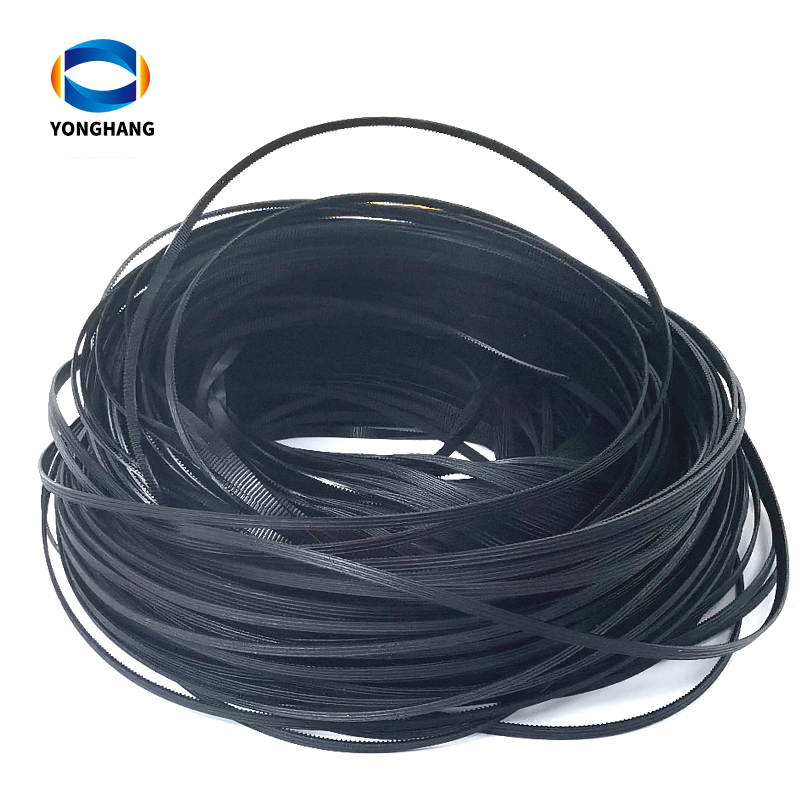
After the installation, it is essential to regularly clean the printer belt. Over time, dust and debris can accumulate on the belt surface, affecting print quality and causing jams. To clean the belt, turn off the printer and unplug it as before. Use a soft, lint-free cloth slightly dampened with water or a mild cleaning solution to gently wipe the belt's surface. Be careful not to apply excessive pressure or use abrasive materials, as this can damage the belt.
In addition to regular cleaning, it is advisable to avoid exposing the HP printer belt to extreme temperatures or humidity. Store your printer in a clean and dry environment to prevent any potential damage to the belt.
Lastly, it is essential to follow a regular maintenance schedule for your HP printer. Refer to the printer manual or HP website for specific recommendations on maintenance tasks and intervals. By following these guidelines, you can ensure the longevity and optimal performance of your HP printer and its belts.

In conclusion, using HP printer belts properly is crucial for maintaining the efficiency and lifespan of your printer. Choose the correct belt for your printer model, install it carefully, regularly clean the belt, and follow a maintenance schedule. By doing so, you can enjoy high-quality prints and a reliable printing experience from your HP printer.
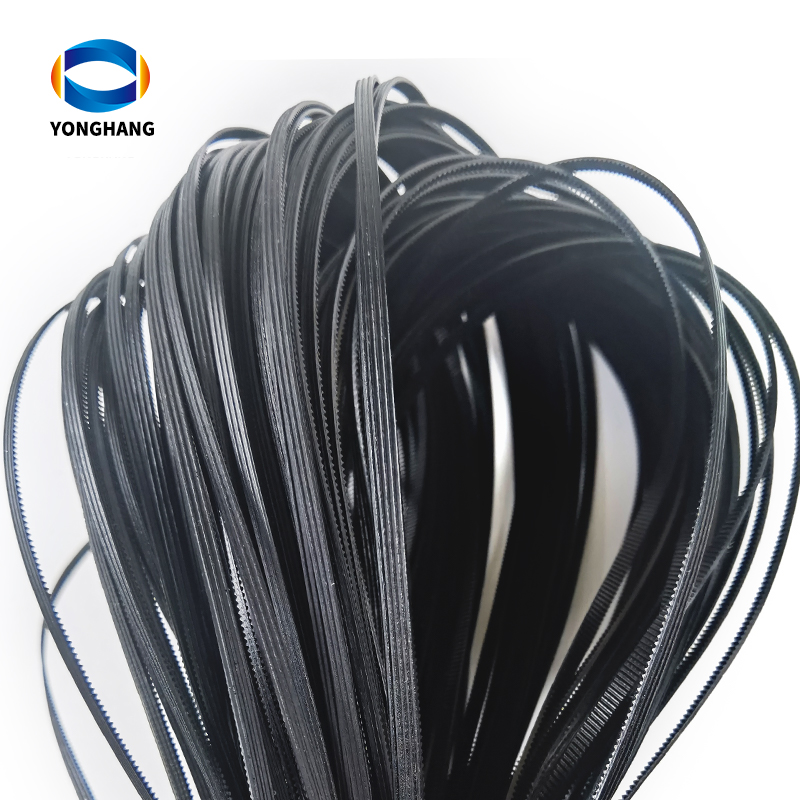
>>Click "YONGHANG® HP printer belts" for more information about our products!
YONGHANG® Transmission Belt With more than 20 years of rich experience in the industry, The Company integrates research and development, production and customization, ODM&OEM Service, CE RoHs FDA ISO9001 Certification, R&d Centers, with more than 10,000m²+ factory, Molds More than 50+ sets of precision equipment, More than 8000+ sets of Molds, professional technical research and development team, precision manufacturing, providing one-stop high-quality transmission products customization service! Welcome to www.yhbelt.com for more information! Article copyright: YONGHANG® Transmission Belt, please specify the source, thank you for your cooperation!

Please contact us direct for more information regarding your specific requirements.
URL:http://www.yhbelt.com
Whatapp&wechat:+ 0086 13725100582
Email :sales@yonghangbelt.com
ReviewsNumber of comments: {{ page.total }}
I want to comment?
{{item.nickname ? (item.nickname.slice(0, 2) + '*****') : item.source === 1 ? 'mall buyer' : '--'}}
{{item.comment_time}}
Review in the {{item.country}}
Reviews
Merchant
{{replyItem.nickname ? (replyItem.nickname.slice(0, 2) + '*****') : replyItem.source === 1 ? 'mall buyer' : '--'}}
{{replyItem.parent_nickname ? (replyItem.parent_nickname.slice(0, 2) + '*****') : '--'}}
{{replyItem.is_merchant_reply === 1 ? replyItem.reply_time : replyItem.comment_time}}
Review in the {{replyItem.country}}
Reviews

No customer reviews
Recommended for you
no data
Get in touch with us
YONGHANG specializes in produce and custom coated transmission belts for 12 years.
Useful Links
Products
Contact Details
Add:
4th Floor, Building B8, Chuangbao Creative Park, Federal Industrial Zone, West Yushan Road, Panyu District, Guangzhou, China. 511400
Tel: +86 134 1810 3085
E-mail: sales@yhbelt.com
Copyright © 2026 Guangzhou Yonghang Transmission Belt Co., Ltd. - www.yhbelt.com All Rights Reserved. | Sitemap | Privacy Policy