



In today's fast-paced world, printers have become an essential tool for both personal and professional use. Lenovo, a renowned technology company, offers a range of printers that are known for their reliability and performance. However, using a printer belt effectively is crucial to ensure smooth operation and optimal printing results. In this article, we will guide you through the step-by-step process of correctly using a Lenovo printer belt.
Mastering the Art of Using a Lenovo Printer Belt Like a Pro
2023-11-06
Body:
1. Understand the Importance of a Printer Belt:
Before diving into the usage instructions, it is essential to understand the significance of a printer belt. The belt is an integral part of the printing mechanism that serves to transfer the ink or toner from the cartridge onto the paper. By properly using the printer belt, you can avoid issues such as slippage, poor print quality, and inconsistent printing.
2. Ensure Compatibility and Genuine Parts:
When it comes to printers, using genuine and compatible parts is vital. Lenovo printers are designed to work seamlessly with their original printer belts. Ensure that you have the correct printer belt model that matches your Lenovo printer, as using an incompatible or counterfeit belt can lead to various problems.
3. Handling the Printer Belt:
Before replacing or installing a Lenovo printer belt, it is essential to handle it with care. Avoid touching the surface where the ink or toner will come into contact, as any fingerprints or smudges can result in print quality issues. Hold the belt from the edges and use a clean lint-free cloth to wipe away any dust or debris.
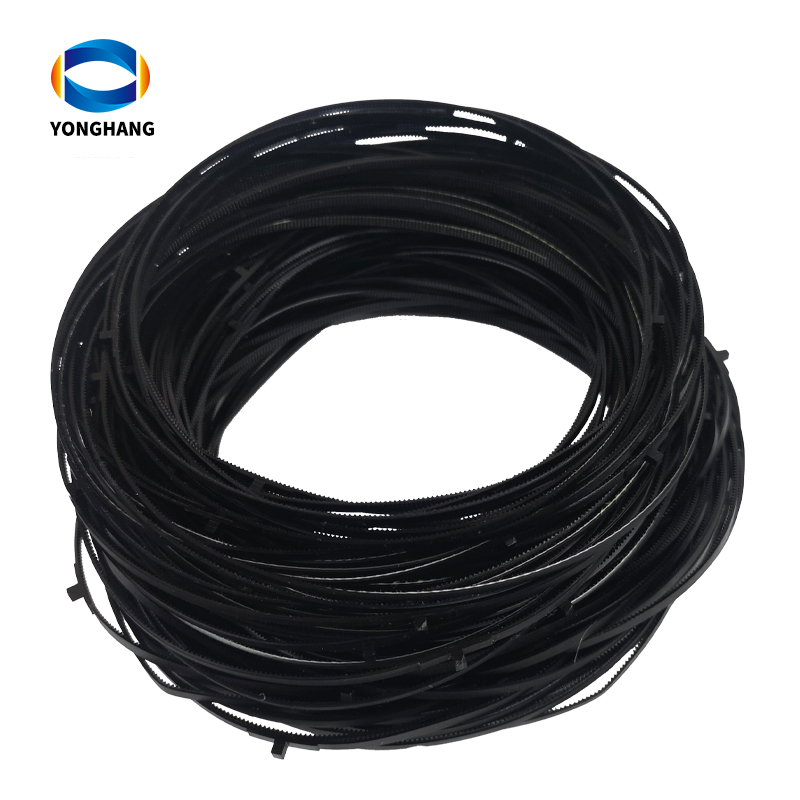
4. Replacing the Printer Belt:
To replace the printer belt on your Lenovo printer, follow these steps:
a) Turn off the printer and unplug it from the power source.
b) Open the printer cover or access panel, depending on your printer model.
c) Locate the printer belt assembly and carefully remove the old printer belt by disconnecting any clips or pins that secure it in place.
d) Take the new Lenovo printer belt, aligning it correctly with the printer's belt assembly. Be cautious not to bend or kink the belt.
e) Attach the new belt securely using the clips or pins, ensuring it is positioned properly.
f) Close the printer cover or access panel, plug in the printer, and turn it on.
g) Run a test print to ensure that the new printer belt is functioning correctly.
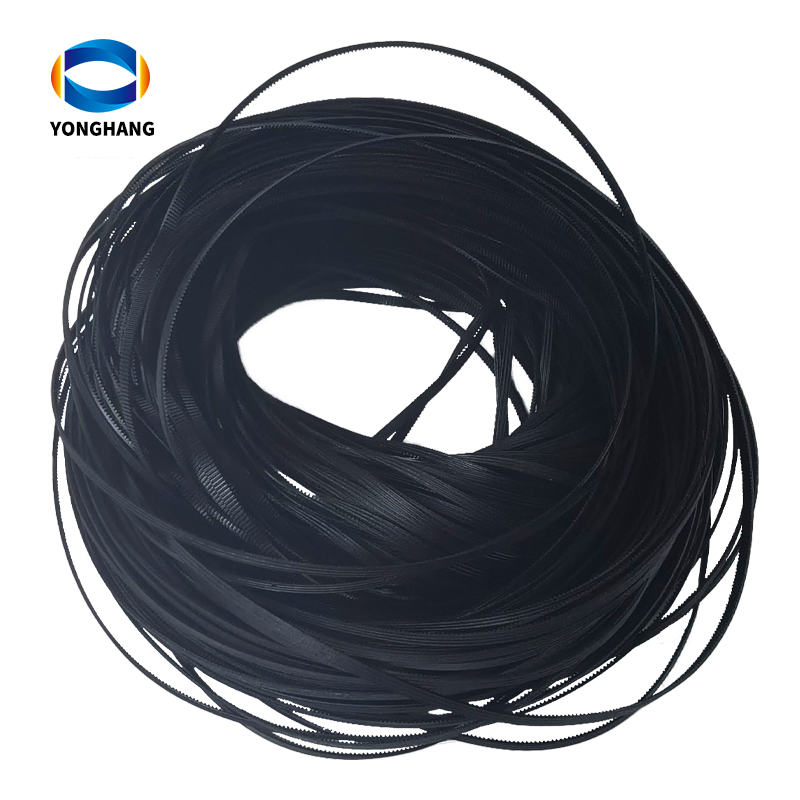
Conclusion:
Mastering the art of using a Lenovo printer belt is essential for anyone seeking optimal printing results. By understanding the significance of the printer belt, ensuring compatibility, and following the correct procedure for replacement, you can avoid potential printing issues. Remember, using genuine parts and handling the printer belt with care contribute to the longevity and efficiency of your Lenovo printer. So, go ahead, follow the instructions, and unlock the full potential of your Lenovo printer. Happy printing!
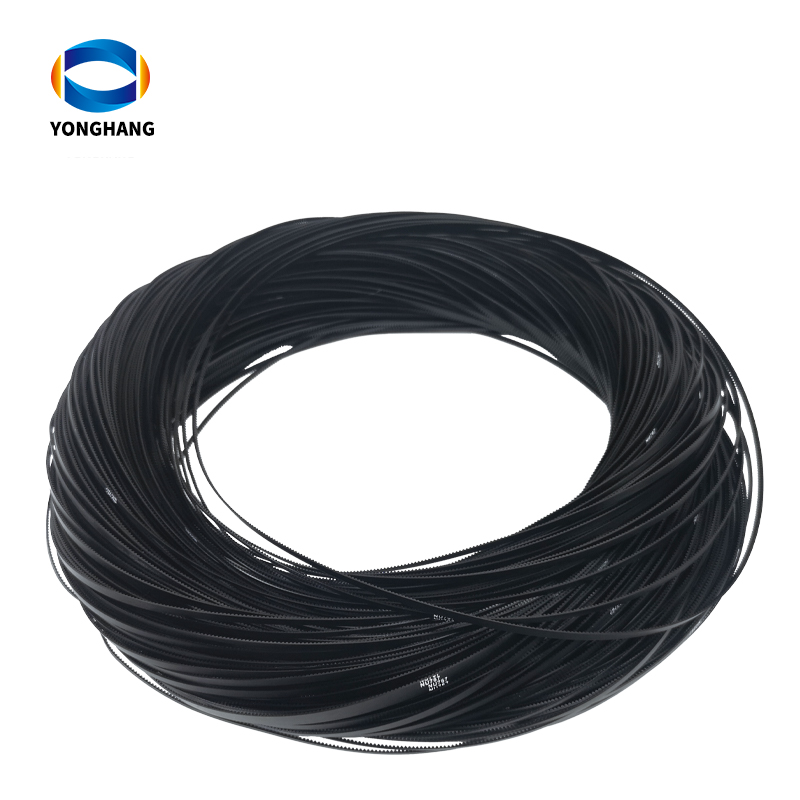
>>Click "YONGHANG® Lenovo printer belt" for more information about our products!
YONGHANG® Transmission Belt With more than 20 years of rich experience in the industry, The Company integrates research and development, production and customization, ODM&OEM Service, CE RoHs FDA ISO9001 Certification, R&d Centers, with more than 10,000m²+ factory, Molds More than 50+ sets of precision equipment, More than 8000+ sets of Molds, professional technical research and development team, precision manufacturing, providing one-stop high-quality transmission products customization service! Welcome to www.yhbelt.com for more information! Article copyright: YONGHANG® Transmission Belt, please specify the source, thank you for your cooperation!
Please contact us direct for more information regarding your specific requirements.
URL:https://www.yhbelt.com/
Whatapp&wechat:+ 0086 13725100582
Email :sales@yonghangbelt.com
ReviewsNumber of comments: {{ page.total }}
I want to comment?
{{item.nickname ? (item.nickname.slice(0, 2) + '*****') : item.source === 1 ? 'mall buyer' : '--'}}
{{item.comment_time}}
Review in the {{item.country}}
Reviews
Merchant
{{replyItem.nickname ? (replyItem.nickname.slice(0, 2) + '*****') : replyItem.source === 1 ? 'mall buyer' : '--'}}
{{replyItem.parent_nickname ? (replyItem.parent_nickname.slice(0, 2) + '*****') : '--'}}
{{replyItem.is_merchant_reply === 1 ? replyItem.reply_time : replyItem.comment_time}}
Review in the {{replyItem.country}}
Reviews

No customer reviews
Recommended for you
no data
Get in touch with us
YONGHANG specializes in produce and custom coated transmission belts for 12 years.
Useful Links
Products
Contact Details
Add:
4th Floor, Building B8, Chuangbao Creative Park, Federal Industrial Zone, West Yushan Road, Panyu District, Guangzhou, China. 511400
Tel: +86 134 1810 3085
E-mail: sales@yhbelt.com
Copyright © 2026 Guangzhou Yonghang Transmission Belt Co., Ltd. - www.yhbelt.com All Rights Reserved. | Sitemap | Privacy Policy